
Give each page a clear job.
We give design, installation and maintenance their own place when you offer them. A page earns its place by answering different questions, showing relevant work or explaining a different process.
Show customers what your team can create.
Quips plans, writes and builds websites for landscaping companies. Show the projects you take on, explain how design and installation begin, and give property owners a clear way to discuss their plans.
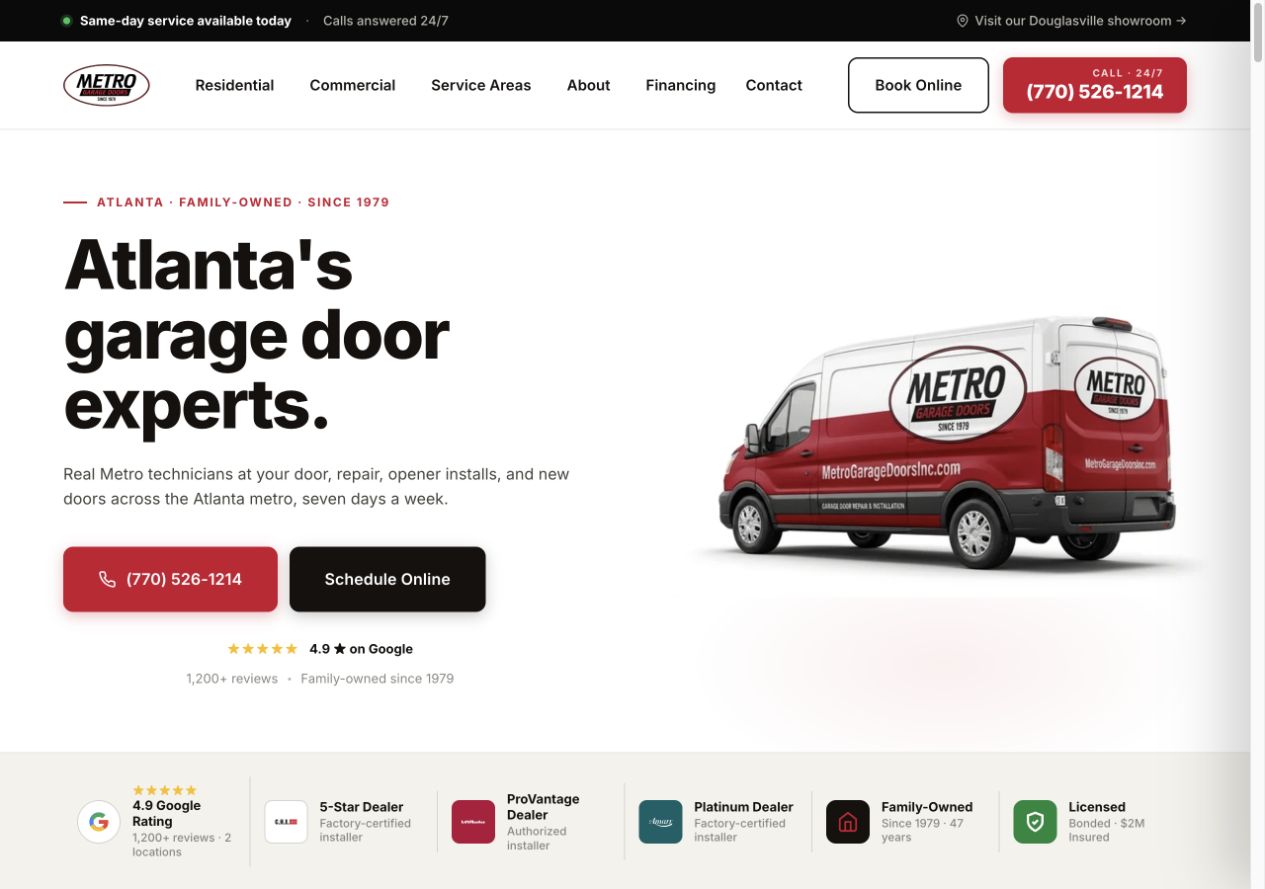
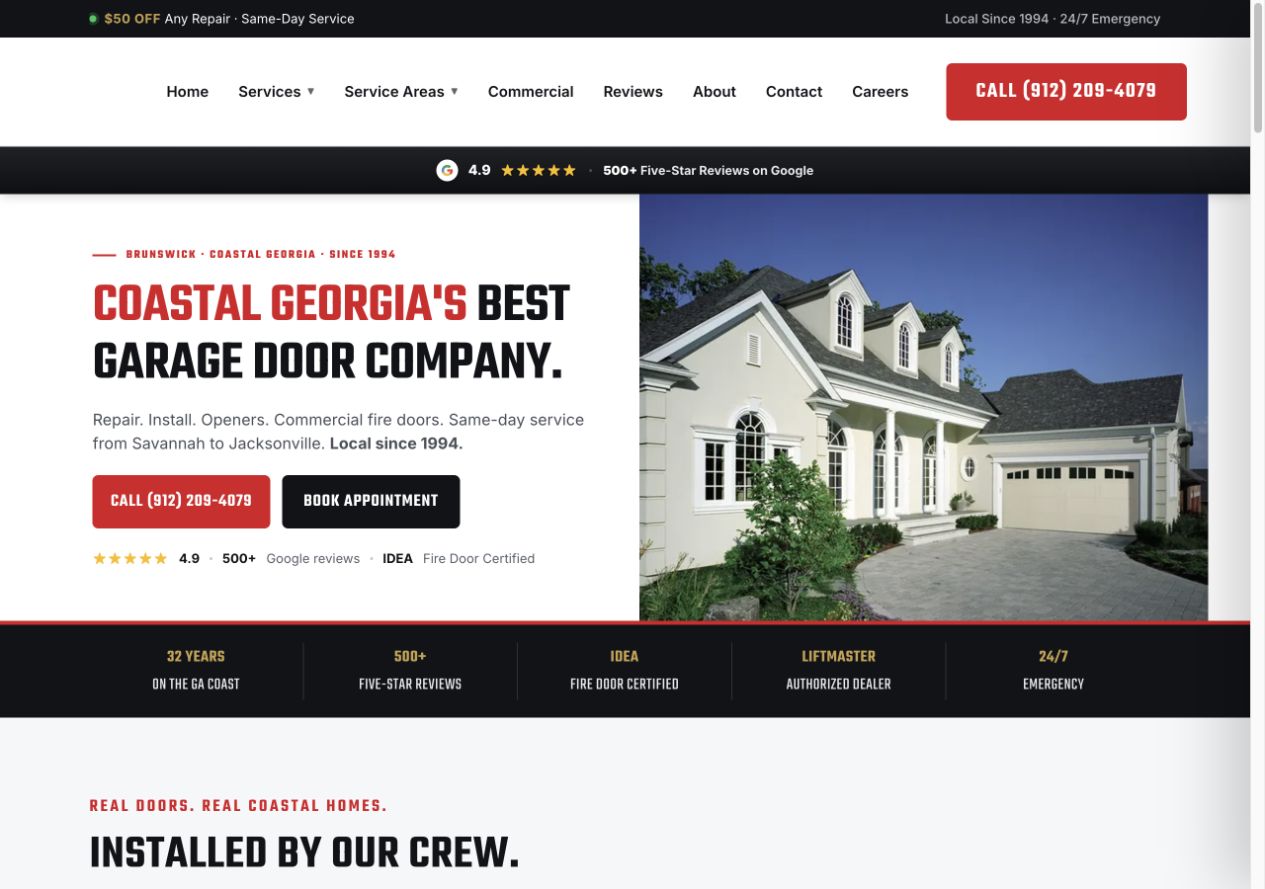
Garage door projects designed by our team with Garage Door Partners. Screenshots from the original projects.
A planting project, a patio and ongoing grounds care need different explanations. We organize your services and project stories so visitors can see where your team fits.
Explore our website serviceWe give design, installation and maintenance their own place when you offer them. A page earns its place by answering different questions, showing relevant work or explaining a different process.
We turn your project notes and customer questions into clear copy. AI assists research and drafts; our team edits, and yours confirms services, consultation terms and project descriptions.
We size project images for the screen and check gallery layouts, navigation, call links and request forms. Labels, keyboard access and error messages are part of the build review.
We test form delivery, notifications and the customer's confirmation. If booking or customer-management system (CRM) connections are included, we check the agreed handoff before launch.
Some owners have a finished design. Others just know their yard is not working for them. Your site should help both understand what your team can do.
Show the kinds of spaces you create and how your company moves from an initial brief to an agreed project.
Request a project conversation; your team confirms the next step.
Some owners arrive with a designer’s plan. Explain whether you install from existing plans and what your team needs to review.
Ask about the project without promising an estimate before review.
If your company also maintains properties, explain the care you offer separately from a one-off installation. Routine lawn service belongs on its own relevant page.
Help the person handling maintenance requests receive the details they need.
Good project pages explain what the customer wanted and what your team delivered. A row of attractive gardens alone leaves visitors guessing about the work behind them.
Pair approved images with the project type, broad location and a short description of the work. Identify the parts your team delivered. Before-and-after images should show the same job, with permission to publish and without private addresses.
Explain whether the first step is a phone conversation, site visit or paid design consultation. Make any agreed fees and deliverables clear. A request for ideas should not look like an instant fixed-price quote or a reserved installation date.
Review our service-page checklistThe website can gather enough context for your team to decide who should respond. Detailed measurements, site conditions and design choices belong in the next conversation.
Use familiar questions and keep the first step manageable.
We review the forms and connections available to your account. Photo uploads, appointment tools and CRM routing are included only when agreed and tested.
We test the agreed inbox or CRM connection. Where your setup supports separate routes, we check that project and maintenance requests reach the right people.
The confirmation tells customers how your team will respond and how to arrange a consultation.
Your team checks the location, project and capacity, then agrees the next conversation. We make those steps clear on the website.
Where your systems support it, agree how to record project inquiries, arranged consultations, proposals and accepted projects. These are different stages, not interchangeable results.
Your current site may already have useful service pages, search visits and contact tools. We review them before deciding what to improve, carry over or replace.
For a rebuild, we agree the migration work and coordinate with whoever manages your domain, hosting and email. That makes the changeover part of the project plan.
Google’s guidance on moving site URLsAs part of the agreed migration, we keep useful page addresses where possible. When a page moves, we redirect its old address to the relevant replacement and update links and the sitemap.
We check service pages, phone links, forms, booking links and agreed tracking. Before a hosting change, we coordinate with your domain or hosting contact to check the settings your business email relies on.
Before launch, we agree who will monitor errors, search visibility and inquiries during the changeover. Search engines need time to revisit changed pages, so visibility can fluctuate.
Decide which updates your team will make and which checks or changes you want Quips to handle after launch.
As the site changes, important pages should remain accessible to search engines and easy for customers to use. We agree who checks that new images or booking tools have not slowed the site down.
Google’s Core Web Vitals guidanceAgree who adds project stories and updates consultation availability, service areas and seasonal offers. Keep planting and maintenance information aligned with the work your company currently takes on.
Google Business Profile management and ongoing content aimed at local search are scoped separately through Local SEO for landscaping companies. A dedicated ads landing page can support one campaign alongside the wider website.
Share your current site, or tell us what you have in mind. We’ll talk through your services, priorities and the next step.
Get StartedYou don’t need everything ready for the first conversation.
We discuss what customers need to find, which work you want to show and how your team handles requests. Then we recommend improvements to your current site or a plan for a new one.
The proposal sets out pages, content, platform, integrations, migration, price and review milestones. Confirm access, hosting, ownership and any ongoing support before starting.
You check the design, service details and claims. We test the agreed customer paths on desktop and mobile, then coordinate launch and handover.
The price depends on the pages, content, existing site and connections involved. We review the work first, then agree the project price, hosting arrangements and any ongoing support before starting.
We review the current site before recommending a rebuild. Useful pages, working contact tools and existing search traffic help us decide what to retain, improve or replace.
Only when it gives customers useful, distinct information. We plan around your actual services and relevant examples, rather than filling the site with pages that repeat the same message.
Yes, when you provide both. Design-and-build projects need a different explanation from ongoing care. We separate those journeys so customers can understand the work, see relevant examples and send the right kind of inquiry.
Quips organizes and drafts the pages, with AI assisting research and drafting. Our team edits the copy. Your team confirms service details, business facts, images and promises before launch.
We check what your current account and tools support. Forms, notifications, booking links or CRM connections are included only when agreed in scope and tested. A website build does not automatically include every integration.
We agree a schedule after reviewing the pages, content, access and technical work. Your review stages and the materials we need from your team are part of that plan.
The proposal sets out access, ownership, hosting, handover and any ongoing care. Website setup and ongoing local search work have different scopes; we agree which services you need.
Share your site, or tell us about the landscaping projects you want to feature. We’ll talk through the design, content and scope.
Get Started