
Organize services around real needs.
We plan pages for the pests and property types you actually treat. A recurring household plan, termite inspection and commercial program should not all lead to the same vague description.
Make the next step clear, even when the pest isn’t.
Quips plans, writes and builds websites for pest control companies. Explain the pests and properties you treat, make service plans easier to compare and give customers a clear way to request help.
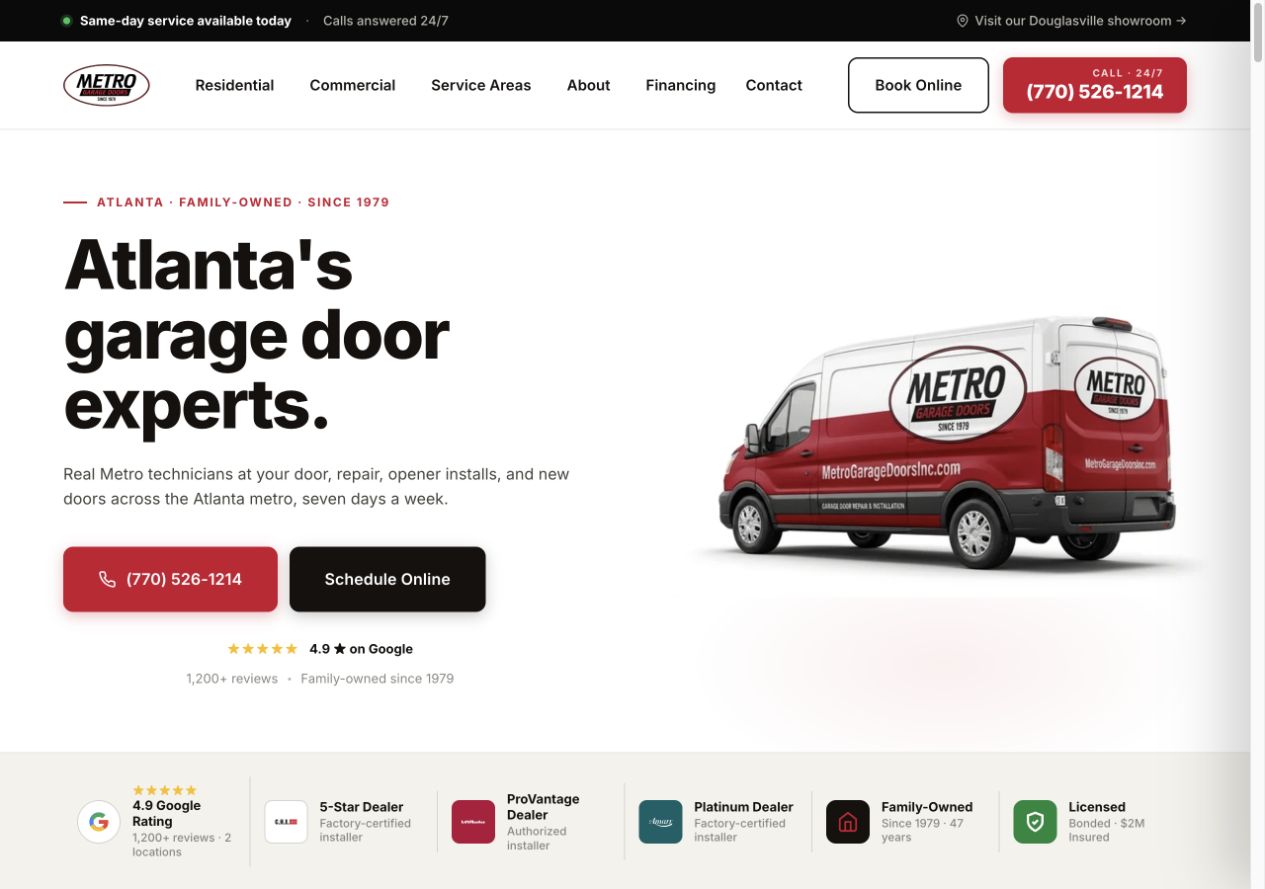
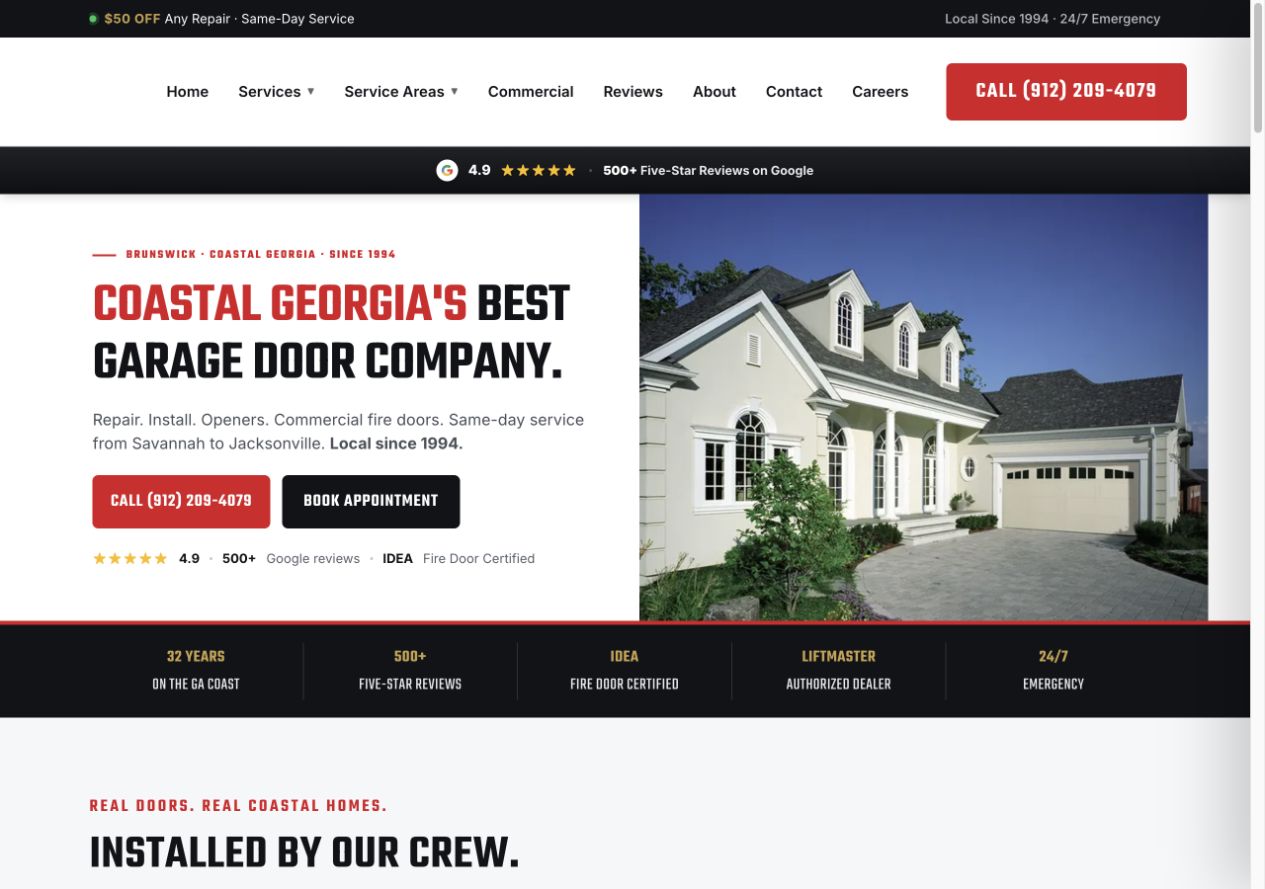
Garage door projects designed by our team with Garage Door Partners. Screenshots from the original projects.
Customers may know the pest, or only what they have noticed. We build service pages and inquiry paths that work for both, using treatment information and business details your team confirms.
Explore our website serviceWe plan pages for the pests and property types you actually treat. A recurring household plan, termite inspection and commercial program should not all lead to the same vague description.
AI assists research and drafts; our team shapes the pages. Your team reviews pest identification, treatment descriptions, preparation instructions and any warranty or follow-up terms before publication.
We check that visitors can find the right pest service, compare plans and use call links and forms on desktop and mobile. Clear labels, keyboard access and useful errors help visitors request the right service.
We test form delivery and confirmation messages. Customer-management system (CRM) routing, inspection calendars or customer portals are scoped and checked against the tools your business actually uses.
Help visitors find the service that fits without asking them to diagnose a problem. Your team confirms the pest, property conditions and suitable next step.
Give known pests clear service pages while leaving a path for customers who cannot identify the problem. Explain how your company assesses a concern and what happens before treatment.
Your office confirms service fit and arranges the appropriate next step.
Help homeowners compare the offer without piecing it together from scattered claims. Explain what happens initially, what continues and where the plan has limits.
Customers can ask about the plan without assuming every pest or return visit is covered.
If you serve businesses, explain the property types and service process separately. A restaurant, office and managed property may need different conversations.
Your team reviews the site and requirements before proposing a program.
A recurring service page should help a homeowner understand the offer before requesting a visit. Give covered pests, visit schedules and follow-up terms a clear place on the page.
A general household plan may not cover every pest or every situation. We explain the limits your business confirms and link to separate services where they exist, so termite, wildlife or bed bug inquiries reach the right place.
Use real team and property images with permission. Describe your inspection and treatment process in plain language, with preparation details approved by your team. Avoid broad promises such as completely safe, chemical-free or permanent elimination.
Review our service-page checklistA visitor should not have to identify a species to ask for help. A few familiar questions give your office enough context to respond without turning the form into a diagnosis.
Keep the first questions simple. Your team can gather treatment-specific details during follow-up.
Already using a CRM or appointment tool? We review the available connections and agree which details the website should send to your team.
We test that your office receives the property type, location and concern together in the agreed inbox or CRM.
The confirmation explains your office hours, response process and how an inspection or service visit is arranged.
Your staff confirms service fit and arranges the appropriate inspection or conversation. The website does not diagnose the pest or prescribe a treatment.
Agree how to identify new requests, follow-up visits and customer support where the systems allow it. A current customer asking for a return visit is not a newly acquired customer.
Your current site may already have useful service pages, search visits and contact tools. We review them before deciding what to improve, carry over or replace.
For a rebuild, we agree the migration work and coordinate with whoever manages your domain, hosting and email. That makes the changeover part of the project plan.
Google’s guidance on moving site URLsAs part of the agreed migration, we keep useful page addresses where possible. When a page moves, we redirect its old address to the relevant replacement and update links and the sitemap.
We check service pages, phone links, forms, booking links and agreed tracking. Before a hosting change, we coordinate with your domain or hosting contact to check the settings your business email relies on.
Before launch, we agree who will monitor errors, search visibility and inquiries during the changeover. Search engines need time to revisit changed pages, so visibility can fluctuate.
Decide which updates your team will make and which checks or changes you want Quips to handle after launch.
As the site changes, important pages should remain accessible to search engines and easy for customers to use. We agree who checks that new images or booking tools have not slowed the site down.
Google’s Core Web Vitals guidanceReview covered pests, service territories, plan terms and seasonal messaging as your offer changes. Keep licenses, team information and approved preparation guidance current.
Google Business Profile management and ongoing content aimed at local search are scoped separately through Local SEO for pest control companies. A dedicated ads landing page can support one campaign alongside the wider website.
Share your current site, or tell us what you have in mind. We’ll talk through your services, priorities and the next step.
Get StartedYou don’t need everything ready for the first conversation.
We discuss what customers need to find, which work you want to show and how your office handles requests. Then we recommend improvements to your current site or a plan for a new one.
The proposal sets out pages, content, platform, integrations, migration, price and review milestones. Confirm access, hosting, ownership and any ongoing support before starting.
You check the design, service details and claims. We test the agreed customer paths on desktop and mobile, then coordinate launch and handover.
We review the pages, content, existing site and connections first. The proposal sets the project price and review milestones, with hosting and ongoing support explained separately.
We agree the pages, copy, design and build around your services, with mobile layouts, contact paths and basic search settings reviewed before launch. Platform, migration, integrations, hosting and ongoing support are specified in the proposal. Explore our website service.
Where a service has distinct questions and enough useful information, a separate page can make it easier to understand. We prioritize pests your company actually treats. We do not create a long list of near-identical pages or imply you offer specialist work that you do not.
Yes. We can explain each offer, its covered pests and its limits. Your team confirms visit schedules, pricing terms, follow-up conditions and cancellations. A request for information should not be presented as an automatic plan enrollment.
We can review your scheduling tool and agree a supported connection. Without a tested booking integration, the website can collect a preferred time for your office to confirm. The wording should make that distinction clear.
We review the available connections and access before including an integration. Existing-customer links can be kept separate from new-service requests. Automated routing, uploads and account access depend on the agreed tools and scope.
Your team confirms treatment descriptions, preparation instructions, credentials and service terms before launch. We help make the wording readable without adding broad safety or elimination promises. The National Pesticide Information Center’s selection guidance shows why clear treatment information and terms matter to customers.
A build can establish clear pages and agreed search foundations. Continued local content and Google Business Profile work are scoped separately through Local SEO for pest control companies. Rankings and inquiry volume are not guaranteed by a redesign.
Share your site, or tell us what you want customers to know about your pest services. We’ll talk through the pages, request paths and project scope.
Get Started